Mission-Critical Location Intelligence You Can Trust
CompassCom delivers unified visibility of radios, fleets, and field assets across LMR, LTE/5G, and SATCOM networks—ensuring your teams stay connected, visible, and ready to respond.
Trusted by Defense, Federal, and Public Sector Leaders
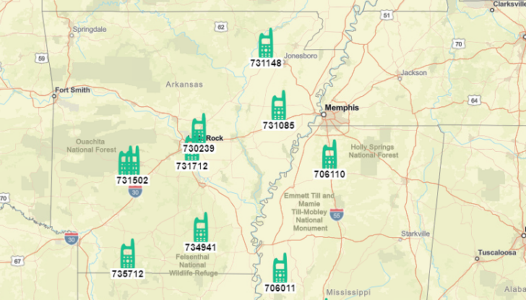
The CompassCom system enables organizations to monitor, locate, and recover high-value assets in real-time locations for real-life impact, reducing downtime and eliminating costly replacements.
01
Mission-Critical Tracking You Can Trust
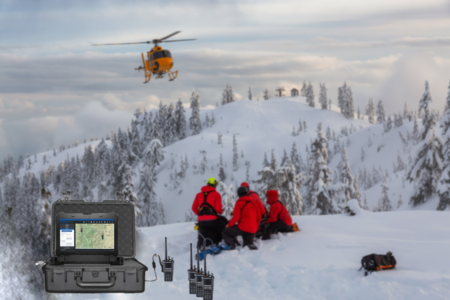
Get real-time location for real-life impact situational awareness of fleets, assets, and personnel in a single platform—so you can make faster, safer, and smarter decisions in the field.
02
03
GPS Location Support for Numerous Mobile Asset Manufacturers
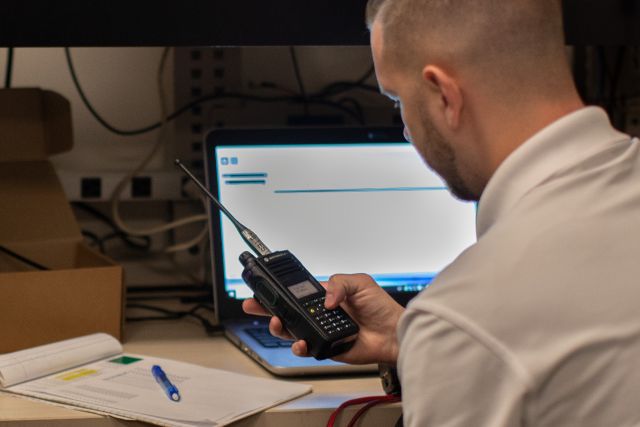
Land Mobile Radio: Motorola Solutions®, BK Technologies®; Broadband: Ericsson® CradlePoint, SEMTECH® Sierra Wireless, CalAmp®;
SATCOM: Garmin®, Inmarsat®, and others.
Flexible Deployment: On-Prem or Secure Cloud
Whether you need an on-premise installation behind your firewall or a CJIS-compliant, Azure-hosted SaaS solution, CompassCom adapts to your IT and security requirements—without compromising performance or control.
04
05
Built for Data Interoperability
CompassCom seamlessly connects with third-party platforms including TAK Server™, Computer Aided Dispatch (CAD), Esri®, and Trimble®—ensuring your location intelligence works across the tools and teams you depend on.
Case Studies & Posts
Discover how DOTs, municipalities, federal agencies, and public safety teams leverage Esri®-based AVL software, fleet tracking, and situational awareness platforms to boost efficiency, safety, and accountability.
News
Real-time GPS integration across LMR, broadband, and SatCom—connecting Motorola Solutions®, BK Technologies®, and Esri® AVL. Follow our latest insights on secure, mission-critical visibility.
Events
Join CompassCom at federal, defense, public safety, municipal, DOT, and petrochemical conferences and webinars. See how our AVL for Motorola Solutions®- and BK Technologies® radios, Esri®-based fleet tracking, and situational awareness platforms help agencies.